Help Center
Everything you need,
whichever seat you're in.
Real screens, real steps — for parents tracking a child, drivers running a route, and institutes managing a fleet. For concepts (routes, payments, platform fee), see the How it works.
Know where the bus is. Every day, without calling anyone.
Search for your child's school, get matched to the vans that actually fit, and watch the bus move on the map in real time — road by road, not a straight line.
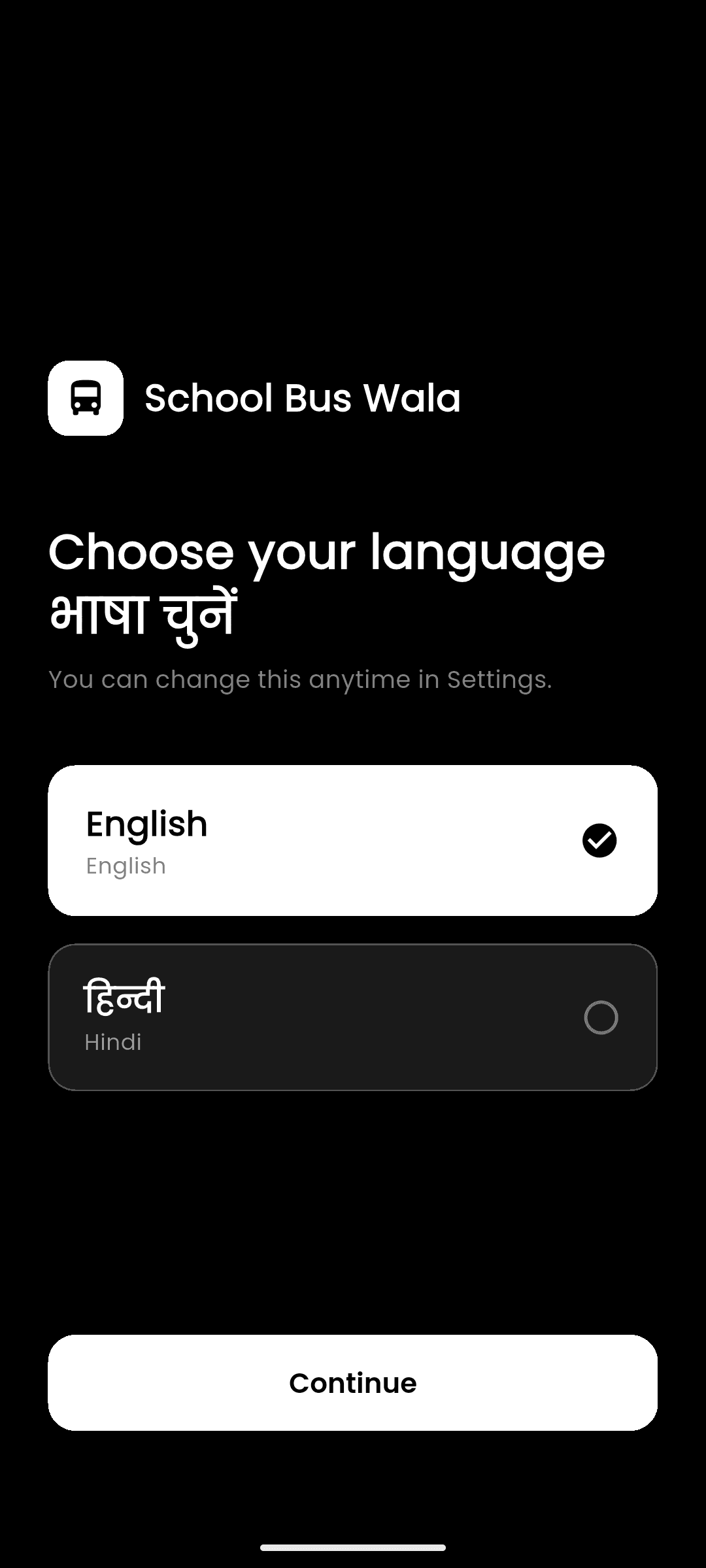
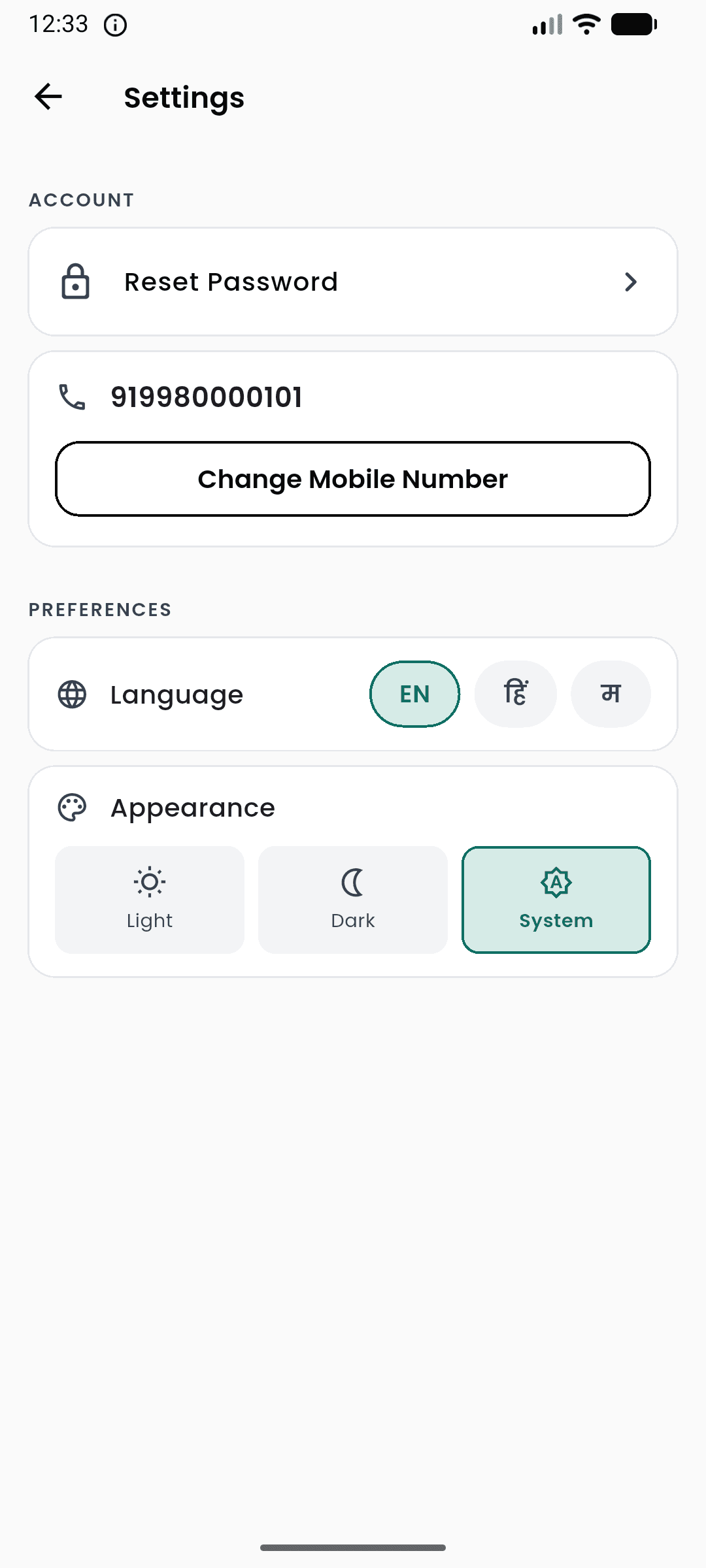
Pick your language — and your theme
SchoolBuswala runs in English, Hindi (हिन्दी), and Marathi (मराठी) — switch anytime from Settings, and choose a Light, Dark, or System theme.
Create your account with your mobile number
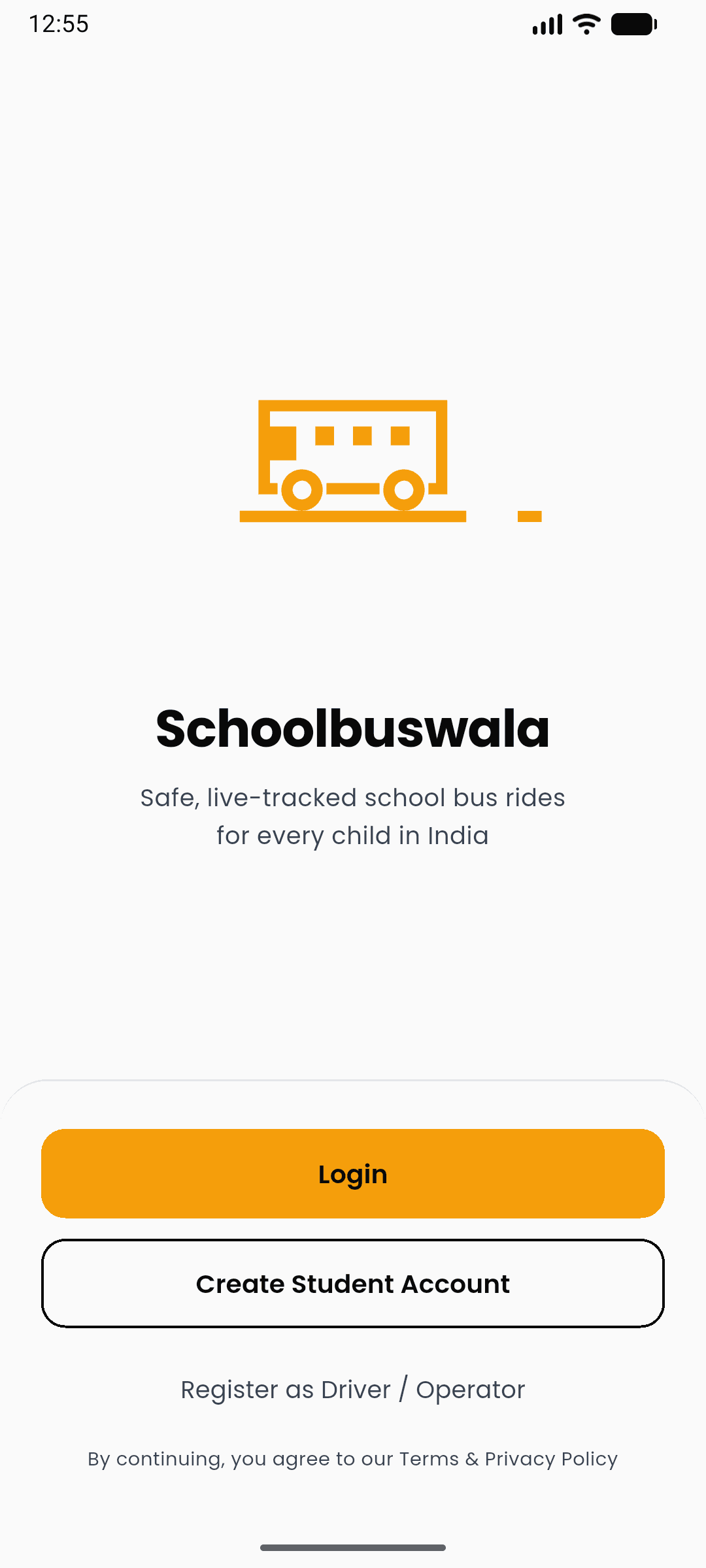
Tap Create Student Account — no email needed. Verify with an OTP, set a password, and you're in. Already registered? Tap Login.
- One account covers every child — add names later from Account → Family. College students (18+) can ride as themselves.
- A driver or van operator? Tap Register as Driver / Operator on the same screen
Family — names, not jargon
Open Account → Family. You see names, plus You on your own row. Tap Add for a child. First name is enough — the driver confirms who actually rides.
If a driver already invited this phone, skip the search: the invite is waiting on Home.
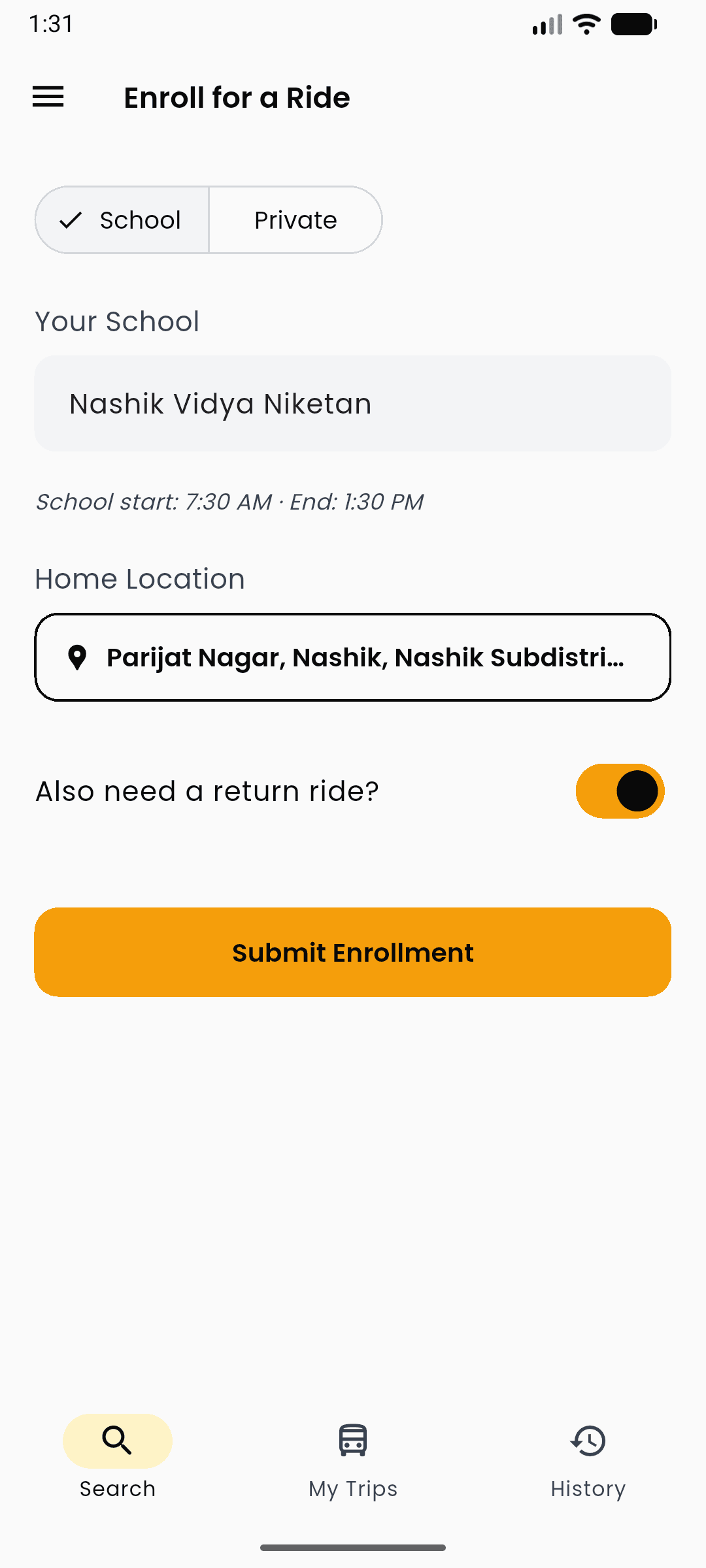
Search your school
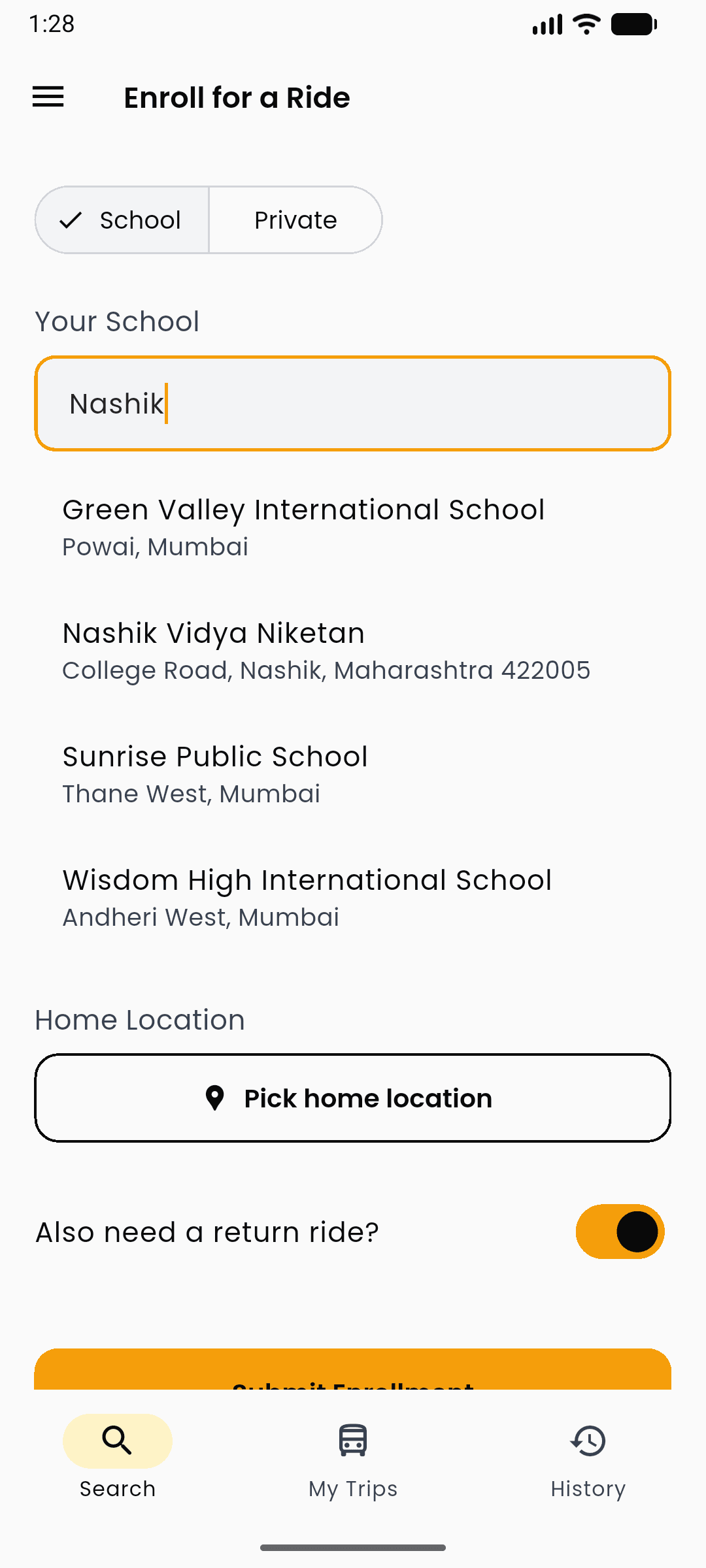
On the Search tab, start typing your school or college name. Matching places appear instantly — tap yours. If it is missing, you can add it so matching always has a pin and a bell time.
Once selected, you'll see its timings, e.g. "School start: 7:30 AM · End: 1:30 PM."
Drop a pin on home, and submit
Tap Pick home location and set your home on the map. Need a pickup and a drop? Flip "Also need a return ride?" — one toggle, no second form. Then tap Submit Enrollment.
See the vans that actually fit — ranked
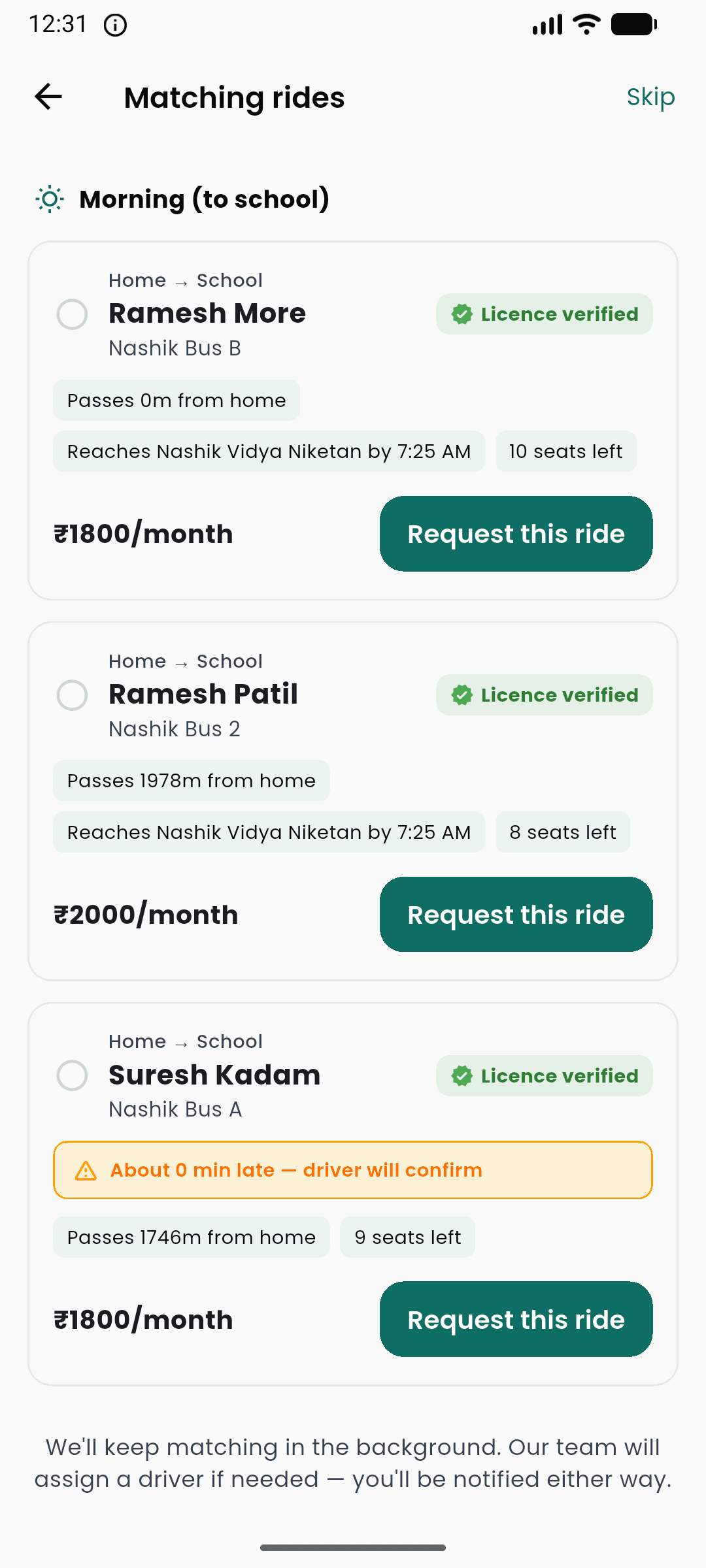
This is the part that's different. Instead of a list of every van in town, SchoolBuswala shows only routes that reach your school on time, from near your home, with a free seat — each with the reason spelled out:
- "Passes 372m from home" — how far the route runs from your door
- "Reaches Nashik Vidya Niketan by 7:30 AM" — arrival, checked against school time
- Seats left, monthly fare, and a Verified badge on the driver
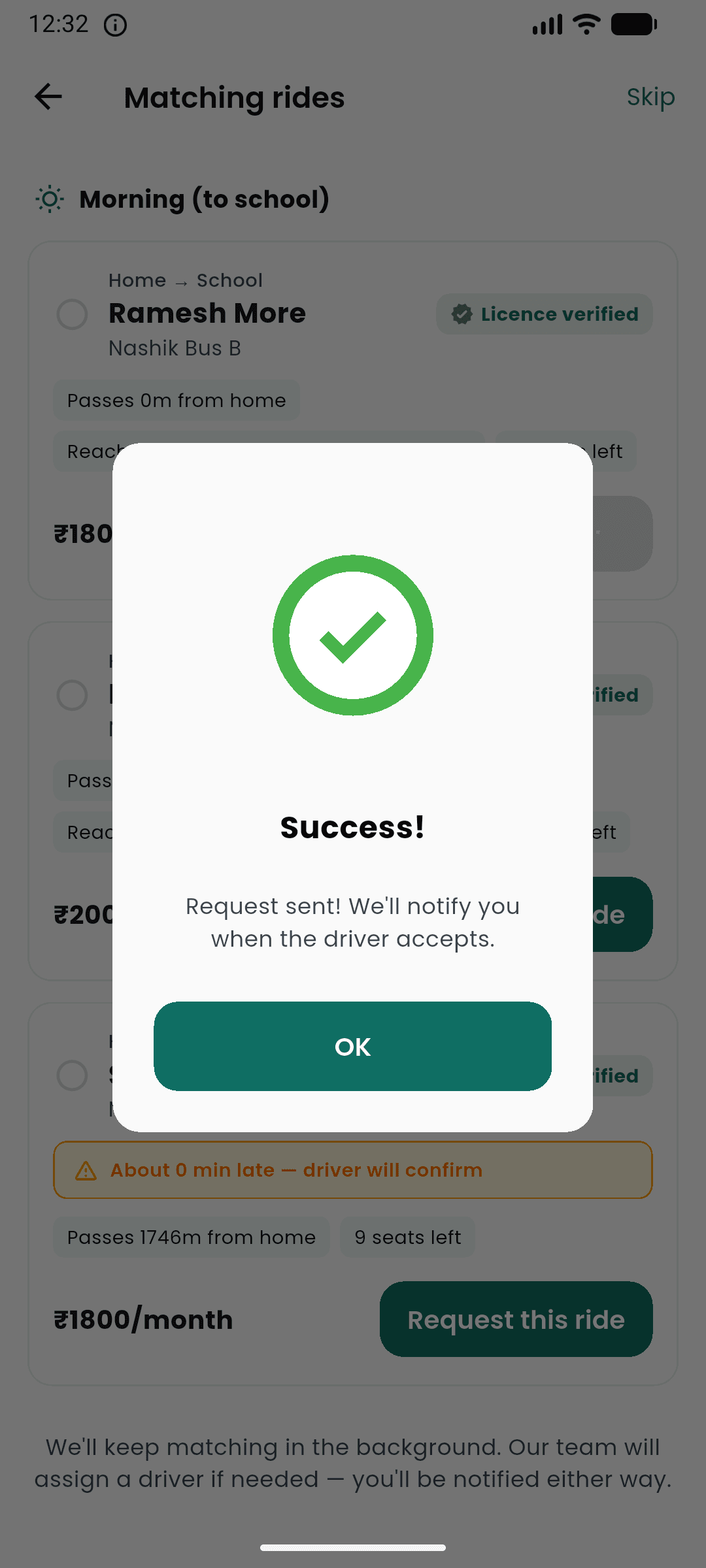
Tap Request this van. The driver accepts or declines from their side. No match on a leg yet? It says so, and notifies you when one opens.
Got a WhatsApp invite from the driver?
Install SchoolBuswala and sign in with the same mobile number the driver used. Open the app — Invite waiting is on Home. Tap it. No long code to type.
Sending the request is not a seat yet. The owner still confirms pickup and that a seat is free. Then you see it under My Rides.
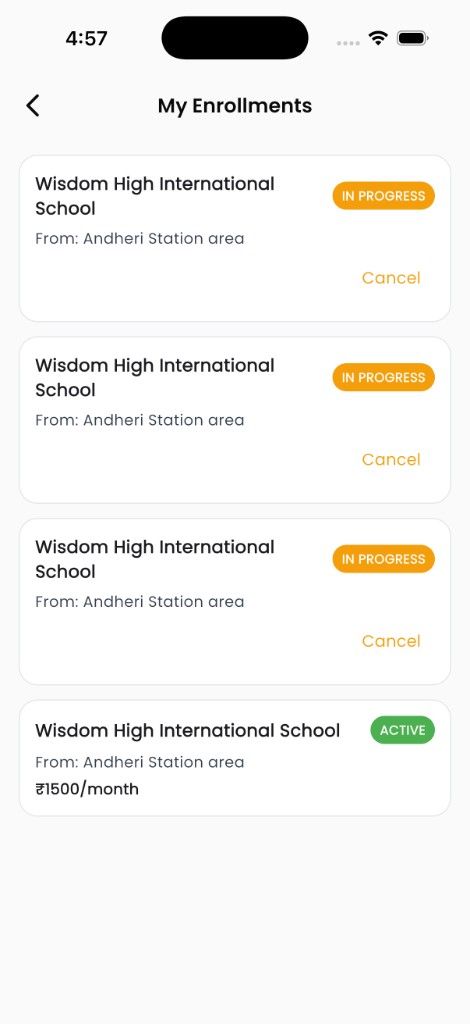
My Rides — active seat or waiting
Under My Rides, see every arrangement — ACTIVE with monthly fare once the owner accepts, or waiting while they confirm a seat. Cancel a pending request anytime.
Track the bus live — on the real road
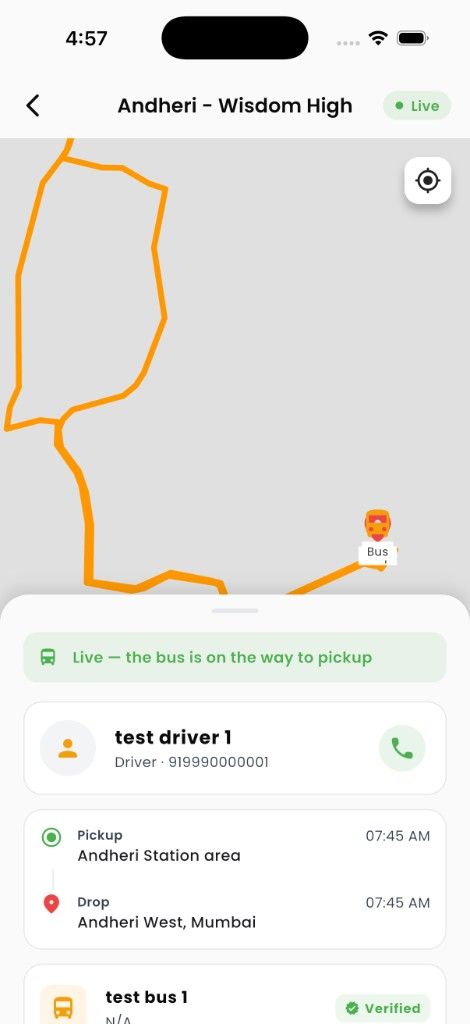
Once you're accepted, open My Trips any morning to see the route marked Ongoing. Tap in for the live map: the bus's real position, following actual streets — not a straight line — with the status in plain words underneath.
- "Live — the bus is on the way to pickup"
- After boarding: "On board ✓ — heading to drop-off"
- After drop: "Dropped off ✓ — ride complete"
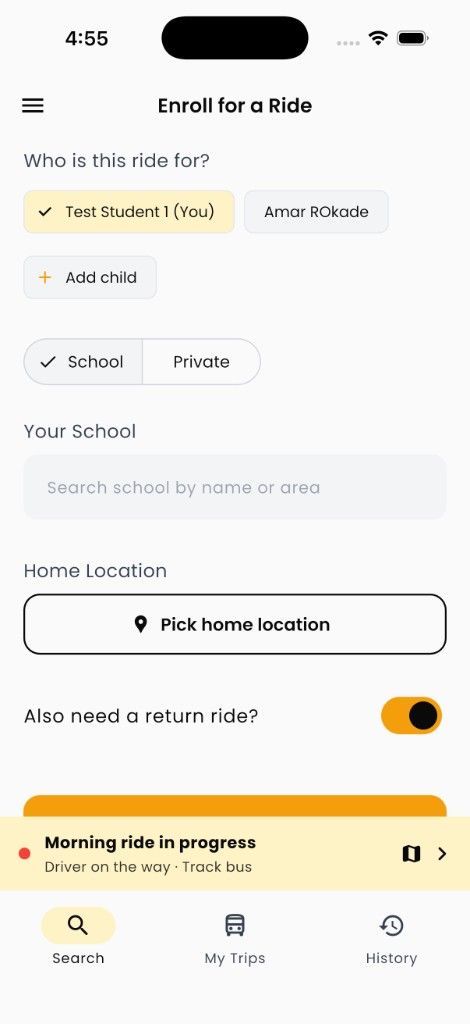
Active ride follows you everywhere
While a trip is running, a sticky bar appears on every tab — Search, My Trips, History — so you never lose track. Tap Track bus for the full live map without hunting through menus.
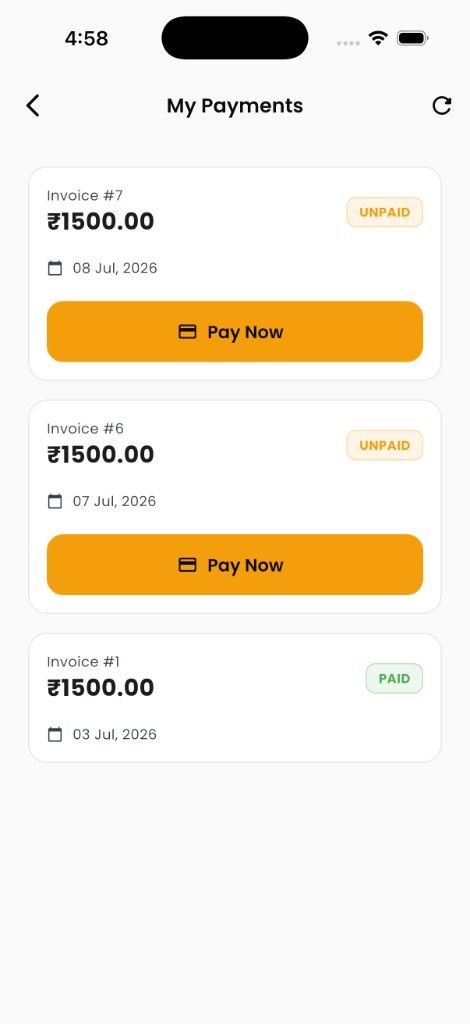
Payments, all in one place
Under Payments in the menu, every month's invoice is listed with its amount, date, and status — PAID or due. Bills are generated automatically from the trips actually run.
End transport, or keep the seat next year
On My Rides, open the child. End monthly transport stops this arrangement — it does not delete your account. When the school has a next year, Accept next year keeps the seat without ending this one.
If the van is a school fleet, you usually pay the school, not in the app. Independent vans show a monthly invoice under Payments.